

Registration pages in every client’s design, from one tool.
Every event in its client’s design, emails from the client’s sender address and a separate guest list per event.

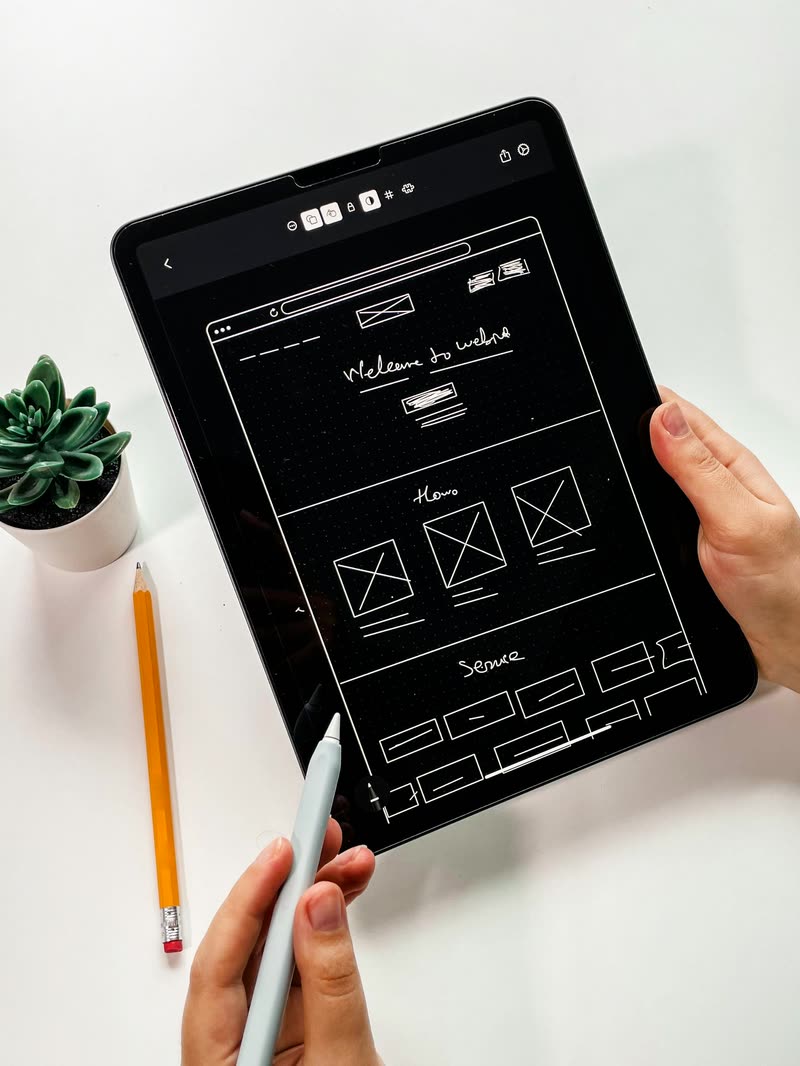

Minimal input - maximum results.
All your client brands in one tool.
For attendee management at an event agency, signUP saves 3–5 days of work on an average client project. Automated website creation with the signUP Brand Scan keeps briefing, revision rounds and testing to a minimum.
Every event in its client’s design
The signUP Brand Scan reads the client’s website and turns it into the design system for form, event site and emails. The design belongs to the event, so one workspace holds several client brands side by side.
Emails in the client’s name
You add sender addresses once, as a domain verified by DNS or through the client’s SMTP server, and choose one per email template. Without a verified address the email goes out from signUP, with the client’s address as reply-to.
Dedicated workspaces for each client
Each company can have its own workspace with its own media and font library, its own team and separate data. Switch between workspaces in seconds without logging in again.
Custom domain
Each event runs on your client’s domain, a new domain you have purchased, or a signUP address such as yourevent.sign-up-event.com with no extra setup. If your client wants to publish on their own domain, signUP shows the DNS records for their provider, ready to forward to your IT team.
Import guest lists
Upload invitation lists as Excel or CSV files. signUP automatically recognises most registration fields. Use the export function to analyse filtered lists and share them with your client.
One team, three roles
Admins manage the team, domains and sender addresses. Managers work on events. Read-only users can view the guest list without changing any data.
How a client project runs.
- 1
Scan the client’s website
Colours, type, radii and logo come from the client’s website, not from a template.
- 2
Describe the registration
One description becomes form, event site and emails; everything stays editable.
- 3
Set sender and address
Choose the client’s sender address and publish on a signUP address or the client’s domain.
- 4
Invite and follow up
Import the invitation list, follow registrations in the event overview and hand the guest list to the client as an Excel file.
Frequently asked questions.
Yes. Each company can have its own workspace with its own media and font library, its own team and separate data.
Simply select another company to switch workspaces in seconds, without logging in again.
Whether signUP branding is visible on the event website depends on your licence.
With a licence that includes removal of signUP branding, the website appears entirely in your client’s design.
You can also use a custom domain and verified sender addresses for a consistent brand experience.
Yes, through a sender domain of the client verified by DNS, or through the client’s own SMTP server.
With the client’s own SMTP server, delivery data remains with the client. signUP receives no delivery feedback, so the guest list marks these emails as not tracked.
There is no separate approval view for clients. If a client wants to collaborate, they can be given access to the workspace.
For reviewing the event website together, use the published page, protected with an event password.
Currently in German, English and French.
signUP translates your text for you at the push of a button, or you enter it manually when you have the exact wording from a translation agency. More languages are in preparation.
Get in touch and we will talk about your clients, your formats and the right terms.
Get started with signUP.
Get in touch and we will talk about your client projects.